How to Choose the Correct Logo Placement
A company’s logo is one of its most valuable brand assets.
Proper logo placement reinforces brand recognition and maintains a consistent brand image across all consumer touchpoints.
However, choosing the ideal logo placement can be challenging, with numerous options across various media, ranging from business cards to billboards.
This comprehensive guide will walk you through the critical considerations for optimising logo placement regardless of format or size restrictions.
- Top-left placement captures initial gaze and maximises immediate brand recognition across digital and print interfaces.
- Centre placement conveys authority, prestige, and strong brand vibe for luxury or editorial contexts.
- Maintain clear space and proper scaling to avoid clutter, cropping, or distorted logo proportions.
- Use adaptive logo versions (primary, secondary, mark) and appropriate file formats like SVG for responsive contexts.
- Test placements across devices, solicit user feedback, and iterate to ensure visibility, trust, and usability.
What Logo Placement Communicates
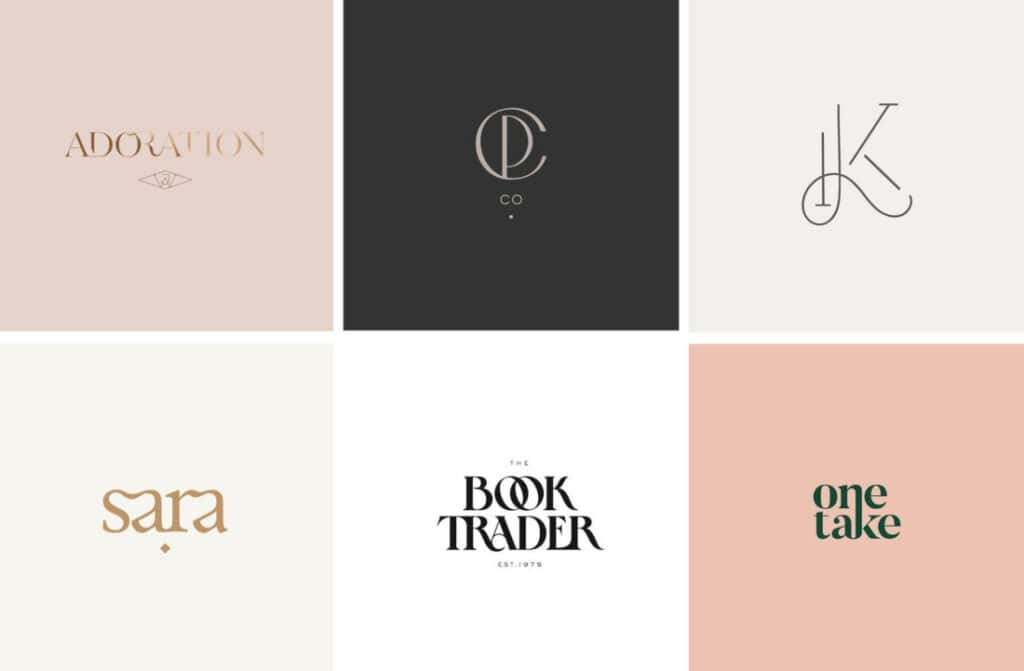
Before determining the logo position, it is helpful to understand the impression each placement gives consumers.
Authority and Heritage
A centred logo at the top of a layout conveys heritage, prestige, and authority. This traditional positioning works well for well-established companies that want to emphasise their history and trustworthiness.
Innovation and Approachability
Left-aligned or off-centre logos feel friendlier and more innovative. Startups often align logos to appear fresh, energetic, and approachable.
Clarity and Directness
A logo in the top-left corner clarifies the content’s source and improves scalability. Readers can immediately identify the creator of the piece.
So, logo placement sends a message about your brand. But how do you select the best option for your goals and audience? Follow these steps.
The Psychology of Visual Gravity: F-Patterns and Gaze Tracking
To understand logo placement, we must first understand how the human eye navigates a canvas. In Western cultures, users primarily follow the F-Pattern, also known as the Gutenberg Diagram, when scanning digital content.
The Gutenberg Diagram suggests that the eye moves from the “Primary Optical Area” (top-left) to the “Terminal Area” (bottom-right). This is why placing your logo in the top-left corner is the gold standard for immediate brand recognition.
It captures the user’s gaze at the very start of their journey. However, for landing pages designed to inspire a specific feeling—like luxury or minimalism—a centred placement interrupts this natural scan, forcing the user to pause and acknowledge the brand’s authority.
- Left-Aligned: Best for high-utility sites (SaaS, E-commerce, News) where navigation is the priority.
- Centre-Aligned: Ideal for brand-heavy, editorial, or luxury sites where “vibe” outweighs immediate task completion.
- Right-Aligned: Historically avoided for primary branding, but effective for “secondary” logos or call-to-action buttons, as this is the “Terminal Area” where the scan concludes.
Scenario: A boutique hotel website uses a centred logo to convey prestige. A user arrives, their eye hits the centre first, then drops to the “Book Now” button. The placement creates a vertical axis of symmetry that signals stability.
Balance Prominence with Subtlety
A logo should be prominently visible without overpowering the overall design. Follow these basic guidelines:
- Avoid placing logos where they will compete with other page elements
- Scale logo size appropriately – not too big or small
- Use space to frame the logo without crowding other items
Achieving the right balance may require some experimentation, but the payoff of enhanced memorability is well worth the effort.
Mind the Clear Space
Defining adequate, clear space around the logo prevents visual clutter. General clear space rules include:
- Top/Bottom Margins – Clear space above and below should equal 1/2 the logo height
- Side Margins – Clear space on sides should equal 1/2 the logo width
- Between Text/Images – Add margins equal to logo height between logo and page elements
Of course, specific cases may require adjustments, but maintaining sufficient breathing room is crucial.
Place Logos Strategically
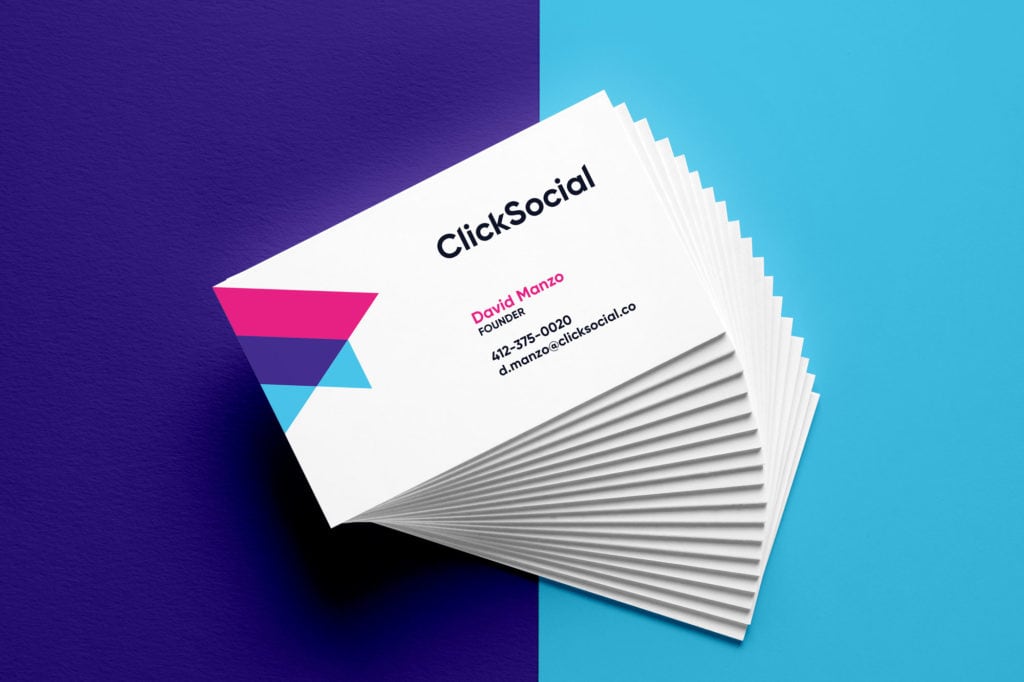
“Where should I put my logo?” is one of the most common design questions. The optimum logo placement depends on the medium.
Print Materials
Place the logo at the top-centred or top-left for business cards.
Letterhead logos traditionally occupy the top left corner with ample margins.
In brochures/flyers, the logo typically appears at the very top, centred or top-right.
Digital Assets
Website logos invariably sit pinned to the upper left or centred atop the header.
In mobile navigation, logos typically anchor the page to the left, linking to the homepage.
Email signatures should display logos at the very top, aligned left with the sender’s details.
Signage
Building signage logos tend to be centred at the top.
For in-store displays/banners, logos often reside centred at the top or bottom edge.
Carefully weigh the context and goals when finalising the placement of outdoor signage logos.
On a website homepage, the top-left corner ensures high visibility and scalability. But on printed materials like stationery, centred placements are more expected.
| Medium | Most Common Positions |
| Website Homepage | Top-left corner |
| Print Newsletter | Top-centre, Bottom-centre |
| Packaging | Multiple prominent placements |
| Email Signature | Bottom-left, Under signoff text |
Adaptive Logo Systems for Responsive and Spatial UI
In 2026, simply shrinking a file is no longer sufficient. Professional brand implementation requires an Adaptive Logo System. This means your logo changes its composition based on the available screen real estate.
The Responsive Hierarchy
- Primary (Full) Logo: Includes symbol, wordmark, and tagline. Used for desktop headers and large-format print.
- Secondary (Compact) Logo: Removes the tagline. Used for mobile tablets and smaller promotional items.
- Logo Mark (Icon Only): Just the symbol. Vital for Favicons, mobile app icons, and “sticky” headers that shrink as the user scrolls.
| Format | Recommended Version | Minimum Clear Space | Technical Target |
| Mobile Web | Logo Mark / Icon | 10px | SVG (Scalable Vector) |
| Wearables | Simplified Icon | 4px | 64px Grid |
| AR/VR Spaces | 3D Extruded Mark | 25% of Object Width | USDZ / GLTF |
Spatial Computing (AR) Placement
When placing a logo in an Augmented Reality environment, “top-left” doesn’t exist.
Instead, we use Anchor Points. A logo should be anchored to a physical or digital object within the user’s field of view—typically at “Eye Level” (approx. 1.5m from the floor) or attached to the product itself.
In 3D, ensure the logo uses a “Billboarding” script so it always rotates to face the user, regardless of the user’s position.
Choose Logo Versions Wisely
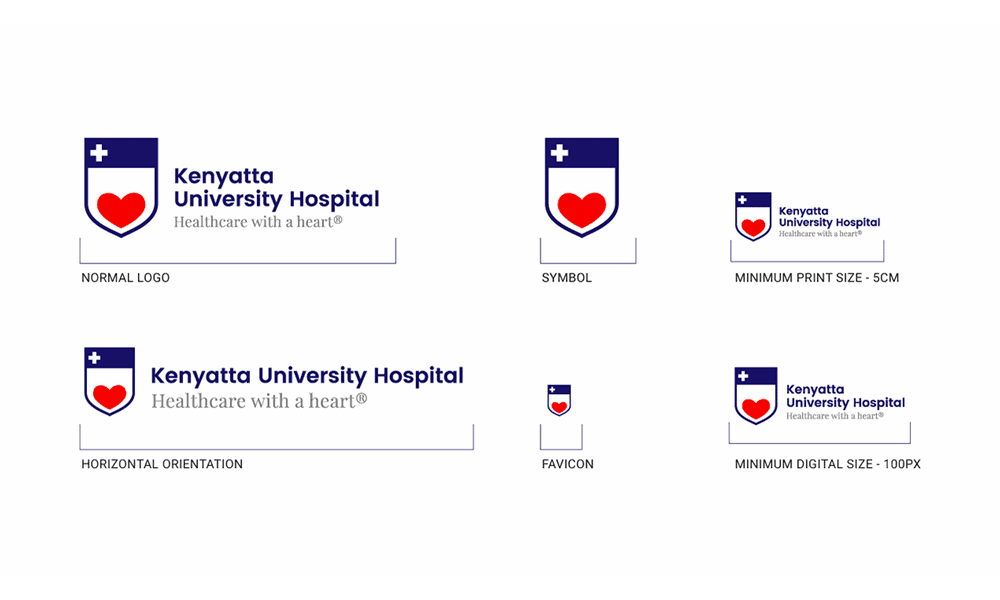
Most brands have multiple approved logo versions and colour treatments to accommodate different media. Select options appropriately:
Colour
Full-colour logos maximise visibility, but single-colour and grayscale variants expand application flexibility. Always use sufficiently contrasting colours.
Detail
Simplified logos are well-suited for tiny spaces, such as favicons or icons—more detailed logo versions are better suited for brochure covers or posters.
This distinction becomes especially important when planning affordable brochure printing, where clarity and visual impact must be preserved even with budget-friendly production methods.
Aspect Ratio
Wide logos work for headers. Taller versions allow better signage visibility. Pick the best shape for each use case.
File Format
Vector files (EPS, AI) enable scaling without loss of quality for printing. Raster files, such as JPGs and PNGs, are optimised for digital use. Know when to use each.
Carefully vet logo versions against medium, scale, and visibility requirements before inserting to prevent issues.
Align Logos Thoughtfully
Purposeful logo alignment projects professionalism and enhances scalability:
Web Banners
Centre logos to draw immediate focus.
Print Ads
Right-justify logos to leverage directional eyeflow tendencies.
Packaging
Aligning logos left on packaging creates better product photo visibility:
Deliberate alignment choices like these optimise engagement and brand impressions.
Seek Second Opinions
Despite best efforts, logo placements sometimes fall short for reasons not immediately apparent. Leverage external feedback to reveal blind spots:
- Preview on different devices and print formats
- Peer review with unbiased colleagues
- User test with target demographics
- Expert audit via a consultant or an agency
Taking advantage of outside perspectives identifies refinements to maximise the effectiveness of logo placement across the board.
If you are struggling to determine the ideal placement in-house, don’t hesitate to consult professional graphic designers. Explain your branding objectives, typical use cases, target demographics, etc. Experienced designers likely have clever placement solutions you may never have considered.
Questions to Ask Design Consultants
- Where would you position our logo on our website, business cards, and other materials to align with our brand personality?
- What placements would you avoid for our brand and why?
- Please provide 3-5 examples of appropriate logo placements for our company.
- How can placement signal that our brand is both innovative and trustworthy?
Take their advice thoughtfully to guide your final decision.
The Developer’s Guide to Perfect Alignment
Correct placement in 2026 is as much about code as it is about aesthetics. Using SVG is mandatory for digital placement because it ensures crispness at any resolution, from a smartwatch to an 8K display.
CSS Positioning Strategies. For web headers, avoid fixed pixel widths. Use flexbox or grid to ensure the logo remains centred or left-aligned relative to the navigation container.
CSS
.header-logo {
  display: flex;
  align-items: center;
  max-width: clamp(120px, 15vw, 200px); /* Responsive sizing without media queries */
}
Navigating Dark Mode. With over 70% of users preferring dark interfaces, your logo placement strategy must account for Variable Contrast.
- The Glow-Up: If your logo is dark, do not simply place it on a white box. Use a “Knockout” version (all white) or add a subtle outer glow to maintain its silhouette.
- The Inversion: For brands like Apple or Nike, the symbol simply flips from black to white. Ensure your technical guidelines specify which version to use when the
@media (prefers-color-scheme: dark)The query is active.
Troubleshoot Common Logo Placement Pitfalls
Carefully avoid these ubiquitous logo layout issues:
| Pitfall | Solution |
| Too small | Increase logo size |
| Cropped or cut off | Reduce expanded margins, cutting off logo |
| Competing visually | Simplify and reduce visual clutter around the logo |
| Distorted proportions | Maintain aspect ratio when scaling |
| Insufficient contrast | Overlay logos on strongly contrasting backgrounds |
| Inconsistent styling | Standardise logo versions across media |
Addressing these familiar logo layout issues through careful quality checking optimises brand recognition and professionalism.
Optimise Logo Locations Digitally
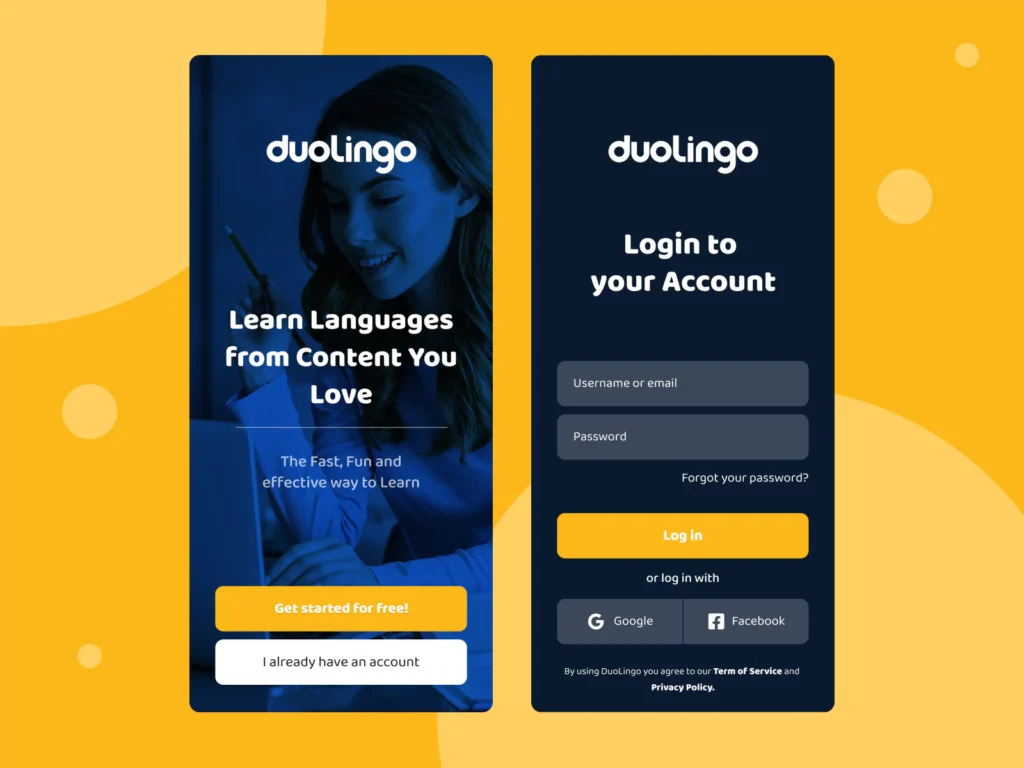
Digital interfaces introduce expanded logo placement considerations with shifting visibility—Optimise logo findability in critical locations.
Website Header
Place the primary logo in the upper left or centred fixed header, ensuring it appears identically across all pages.
Footer
Mirror the header logo on the website or in the email footer alongside the bottom navigation links.
Intro Overlays
Display logos prominently on homepage intro overlays to capture immediate attention.
Inner Pages
Repeat the header logo on interior pages to maintain a consistent user experience and link to the homepage.
Optimised placement across digital touchpoints strengthens branding cohesion and recognition while enhancing navigation.
Carefully Evaluate Unconventional Placements
While traditional, time-tested logo locations work perfectly for most, feel free to break the conventions when it benefits you.
Surprising Angles
Shift expected sightlines with unconventional logo angles on signage or packaging.
Functional Integration
Integrate logos into physical products, incorporating brand visibility into functional components.
Hidden Reveals
Prompt engagement with partially obscured logos is completed when opening packages or doors for an intriguing reveal.
Carefully assess the merits of unexpected logo treatments. Imaginative placements can uniquely bolster brand experiences, while conventional options sufficiently meet everyday needs.
Adapt and Test Logos Iteratively
Logo design rarely stops at the initial concept. Brands grow and evolve across campaigns and media. Continually refine logo placements via honest user feedback:
- Identify new use cases – Evaluate which emerging channels and formats need logo guidance.
- Design initial layouts, including mockup logo placement options and document guidelines for these new contexts, based on established best practices.
- Test iteratively – Expose logo integration examples to representative users, soliciting actionable feedback on what works and what doesn’t.
- Formalise guidelines – Compile lessons learned into expansions or refinements of formal standards for these additional applications moving forward.
- Retest periodically – Logo perceptions shift over time. Revalidate placements with fresh eyes from time to time to avoid outdated assumptions.
Careful iteration and testing reveal the best possible logo treatments across every touchpoint, while maintaining standards aligned with recent learnings.
E-commerce and Conversion: The “Trust Signal” Placement
In the world of online shopping, logo placement is a direct driver of Consumer Trust. Research suggests that users look for the logo in the top-left to confirm they are on the genuine site.
The Checkout Flow: During the checkout process, the logo should be smaller and placed in the top-centre. This removes “Exit Points” (navigation links) while maintaining the brand’s presence, ensuring the user feels secure as they enter payment details.
Partner Placement: If you are a reseller or part of a conglomerate, place your logo in the top-left corner, and position the “Verified by” or “Parent Brand” logo in the footer. This establishes your identity while borrowing the authority of the larger entity.
Conclusion
Optimising logo placement is crucial for reinforcing consistent, recognisable branding and cutting through the visual noise vying for consumer attention across channels.
While perfect placements depend significantly on context, following fundamental principles for balance, spacing, minimum size, alignment alternatives and troubleshooting common issues sets a strong foundation for most situations.
Unlocking hidden opportunities with unconventional placements and continually testing with real users fuels evolution towards more meaningful and memorable integrations that uniquely serve evolving brand needs over time.
With sound foundational knowledge and iterative refinement methodology, brands can confidently tackle logo layout decisions, large and small.
Frequently Asked Questions
Should my logo always link to the homepage?
Yes. In modern UI design, the logo acts as a “Home” button. Users expect that clicking the logo—whether in the header or footer—will return them to the site’s starting point.
What is the best file format for high-quality logo placement?
For digital use, always use SVG. It is a vector format, meaning it won’t pixelate. For print, use EPS or AI files. Avoid JPEGs as they often create “compression artefacts” around the edges of the logo.
How do I handle logo placement on busy video backgrounds?
Use a “Lower Third” or a corner watermark with a 20-30% opacity reduction. Alternatively, place the logo on a semi-transparent “Glassmorphism” blur to ensure it remains legible without obscuring the video content.
Is centre-aligned logo placement bad for SEO?
No, placement doesn’t directly affect search rankings, but it can affect “User Signals”. If a centred logo makes navigation difficult, users may bounce, which signals to search engines that the page is less helpful.
Where should I place a logo on a mobile app?
In most apps, the logo is placed in the centre of the top navigation bar, or replaced by a “Page Title” (e.g., “Settings”) as the user moves deeper into the app’s structure. The “Logo Mark” should always be visible on the splash screen.


