The 10 Best Tools for Freelancers Who Hate Complexity
The best tools for freelancers form a ‘Minimum Viable Stack’ that prioritises simplicity and efficiency in core business operations.
This stack typically includes tools for project management like Trello, time tracking with Toggl Track, client communication via Slack, and invoicing and payments through Stripe.
The goal is to create a streamlined workflow with a low-cost, integrated set of tools for administrative tasks, allowing freelancers to focus on billable client work.
- Adopt a Minimum Viable Stack: pick simple, best-in-class tools that solve today's problems without overcomplicating your workflow.
- Prioritise core categories: project management, invoicing, proposals, time tracking, communication, and basic plumbing tools.
- Start small and resist over‑engineering: use templates, avoid feature bloat, and upgrade only when a paid feature clearly saves time or earns money.
- Track your time: time tracking is essential to price work profitably and reveal inefficiencies—it's the most critical freelance tool.
Category 1: Project & Task Management (Your Second Brain)
The point of task management is to stop using your brain as a to-do list. You need one trusted place to park every task, deadline, and idea. You do not need a system with 50 custom fields and Gantt charts to manage two clients and a website update.
1. Trello: The Visual Organiser
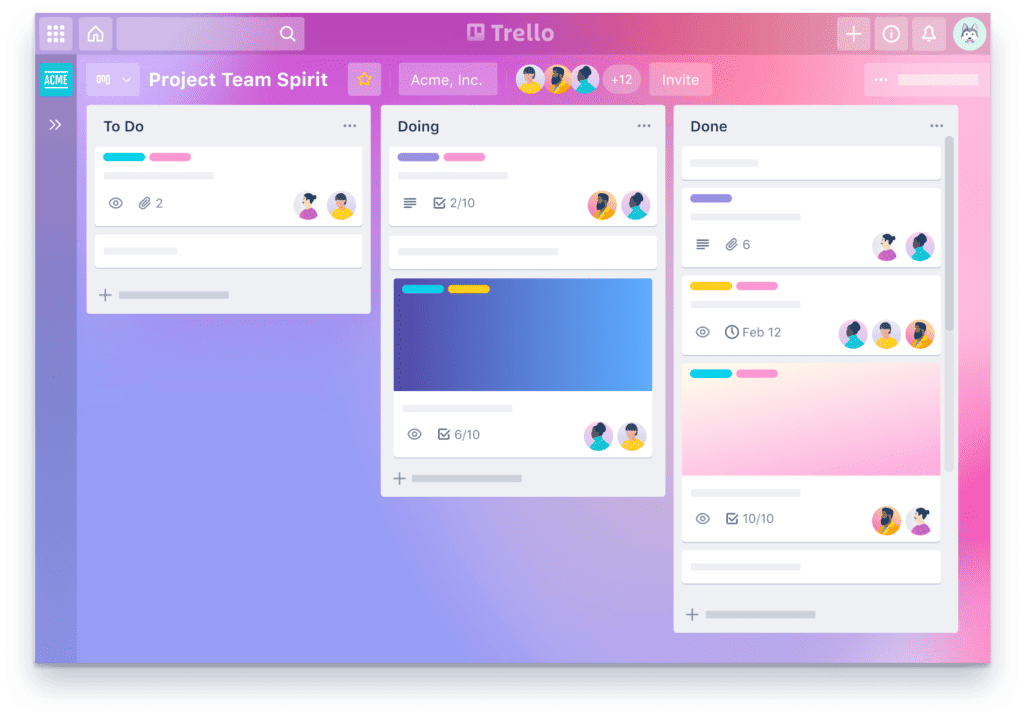
Core Function: A simple, card-based Kanban board system. You create lists (columns) like “To Do,” “In Progress,” and “Done,” and move cards (tasks) between them.
Best For: Visual thinkers, creative freelancers, and anyone managing projects with clear, distinct stages. It’s brilliant for seeing the status of everything at a glance.
The Brutal Truth: Trello is the king of “just enough.” It’s straightforward and powerful enough for 80% of freelance projects. Its greatest strength is what it doesn’t do. It doesn’t bog you down with endless features you’ll never touch. If you need more, you probably have a process problem, not a tool problem.
2. Notion: The Custom-Built HQ
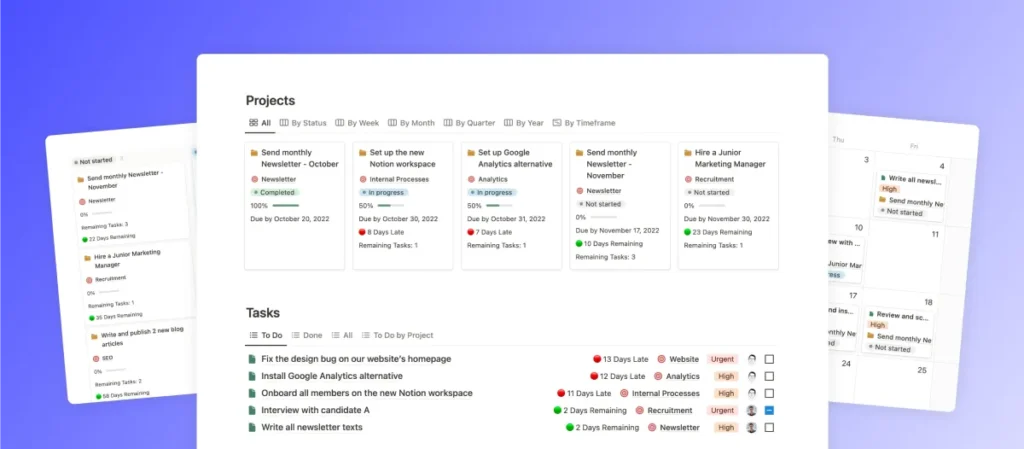
Core Function: A hybrid of a document, a database, and a website. Notion is a set of building blocks that lets you create custom wikis, task managers, and client portals.
Best For: Data-driven freelancers and system thinkers who want one place for everything—notes, tasks, CRM, content calendars, you name it.
The Brutal Truth: Notion is magnificent, but a double-edged sword. Its flexibility is its most significant selling point and its most dangerous flaw. You can—and many do—spend more time building the “perfect” Notion workspace than doing actual client work. Start with a free template and resist the urge to over-engineer it. Use its power for function, not procrastination.
Category 2: Finance & Invoicing (Getting Paid)
This is the most critical part of your business. Your invoicing and accounting system should make you look professional, make it effortless for clients to pay you, and make tax time less of a terror. Chasing invoices or using a messy spreadsheet is amateur hour.
3. Wave: The Best Free Start

Core Function: Free, professional invoicing, payments, and accounting. You can create and send unlimited customised invoices and track your income and expenses.
Best For: New freelancers, or anyone with simple accounting needs, who wants to look professional without the monthly overhead.
The Brutal Truth: For something that is genuinely free, Wave is ridiculously good. It handles the absolute fundamentals of getting paid without a subscription fee. The catch? Its payment processing and payroll services fund it, and the bookkeeping side is less robust than paid alternatives. You will likely outgrow it, but as a starting point, it’s unbeatable.
4. QuickBooks Self-Employed: The Tax-Time Saviour
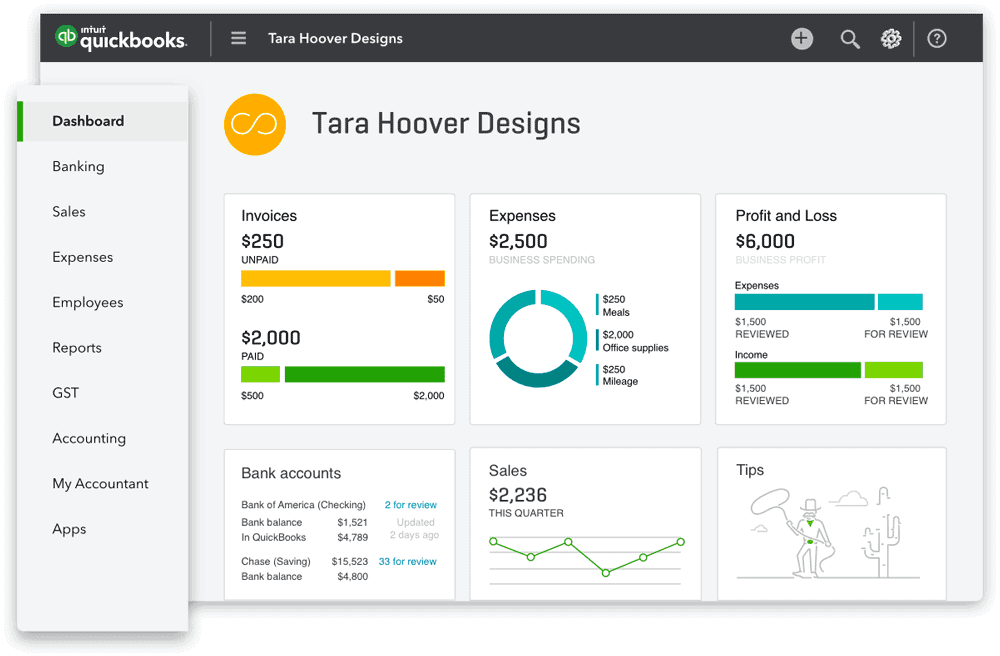
Core Function: Accounting software built specifically for the self-employed to track income, categorise expenses, and estimate quarterly taxes.
Best For: UK and US-based freelancers terrified of their tax bill. It aims to make your Self Assessment or Schedule C as painless as possible.
The Brutal Truth: This isn’t a full-blown accounting suite. It’s a specialist tool designed to solve one major freelance headache: tax. It connects to your bank account, lets you swipe to categorise business vs. personal expenses, and gives you a running tally of what you’ll owe HMRC or the IRS. It’s worth every penny for the peace of mind alone.
Category 3: Proposals & Contracts (Winning the Work)
Sending a proposal as a Word doc or a PDF attachment feels dated. How you present your solution is part of the solution itself. This is your first chance to prove your professionalism, and a crisp, well-designed proposal separates you from the crowd.
A slick proposal reinforces the value of a strong brand. It’s the spearhead for all your hard work on a cohesive and professional brand identity.
5. PandaDoc: The Professional Closer

Core Function: Create, send, track, and e-sign proposals, quotes, and contracts.
Best For: Established freelancers who send multiple proposals monthly and need a streamlined, professional process.
The Brutal Truth: PandaDoc isn’t cheap, but it pays for itself. A game-changer is the ability to see when a client has opened your proposal, how long they spent on each section, and to get a legally binding digital signature without a single email attachment. It closes deals faster and reduces administrative faff. Its free plan is decent for just e-signatures, but the real value is in the paid tiers for complete proposal management.
Category 4: Productivity & Communication (Protecting Your Time)
Your most valuable asset as a freelancer is your focused time. These tools are about maximising it, minimising distractions, and communicating with clients efficiently.
6. Toggl Track: The Simple Timekeeper
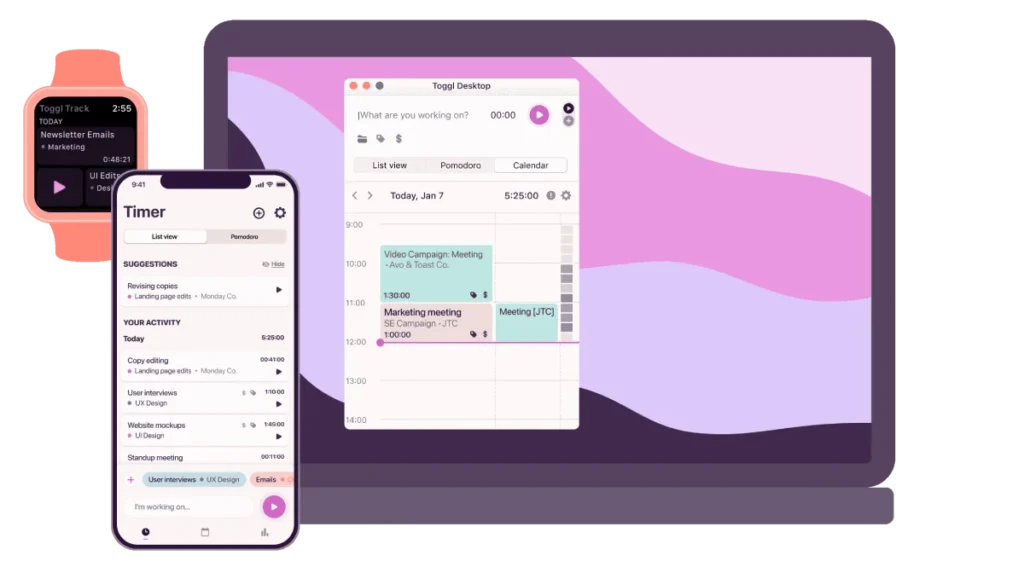
Core Function: A dead-simple, one-click time tracker. You hit “start,” type what you’re doing, and hit “stop” when you’re done.
Best For: Absolutely everyone. Whether you bill by the hour or project, you must know where your time is going.
The Brutal Truth: If you’re not tracking your time, you fly blind. You can’t price projects profitably if you don’t know how long they actually take. Toggl’s free tier is more than enough for most freelancers. It exposes your inefficiencies, validates your pricing, and gives you concrete data to justify your rates. It’s non-negotiable.
7. Slack: The Client Channel
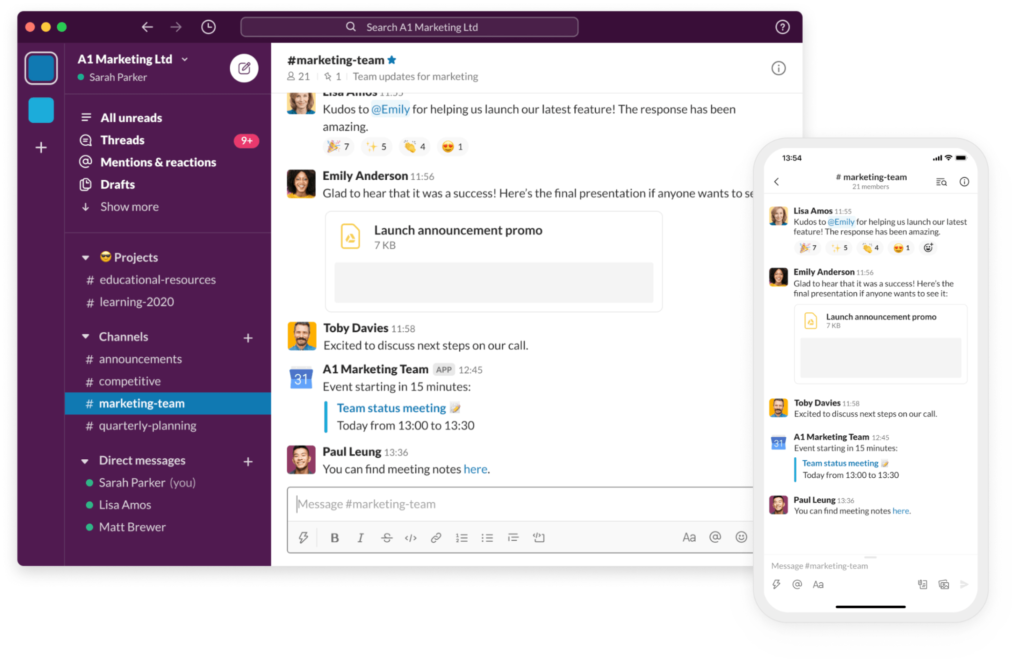
Core Function: A channel-based instant messaging platform for teams and clients.
Best For: Retainer clients and complex, multi-stakeholder projects where quick communication is essential.
The Brutal Truth: Use Slack with extreme caution. It can be a brilliant tool for quick collaboration, but it can also become a digital leash. Set firm boundaries from day one: establish office hours, clarify response times, and don’t let it replace structured communication like project updates and formal feedback. A dedicated client channel is better than a messy WhatsApp group, but a constant stream of notifications is a creativity killer.
8. Loom: The 5-Minute Explainer
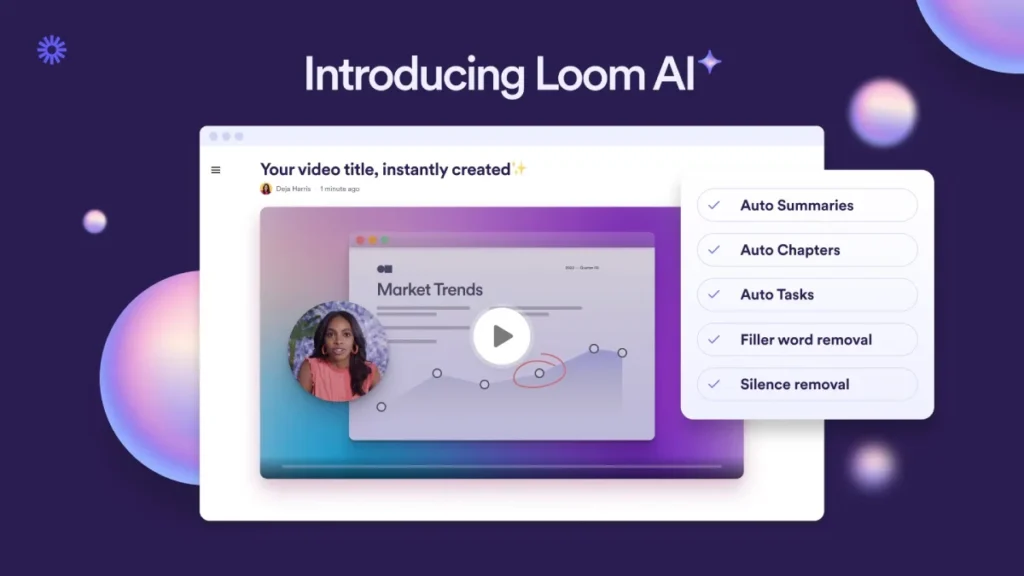
Core Function: Record your screen, camera, and microphone simultaneously to create instantly shareable videos.
Best For: Designers giving feedback, developers explaining a bug, or anyone who needs to explain a complex visual topic without scheduling a meeting.
The Brutal Truth: Loom has saved more cumulative hours than any other tool. A five-minute video explaining design revisions is infinitely better than a 30-minute Zoom call or a long-winded email with annotated screenshots. It’s the champion of asynchronous communication and respects everyone’s time.
Category 5: The Essential Plumbing
These are the boring, unglamorous utilities—the digital equivalent of electricity and water. You don’t get excited about them, but nothing works without them.
9. Google Drive: The Default File Cabinet

Core Function: Cloud storage, file sharing, and collaborative documents (Docs, Sheets, Slides).
Best For: Everyone. It’s the universal standard.
The Brutal Truth: Don’t overthink this. Everyone has a Google account. It’s the path of least resistance for sharing files and collaborating with clients. A paid Google Workspace account for a custom email address and extra storage is one of the first and best investments a freelancer can make. It’s simple, it’s reliable, and it just works.
10. Calendly: The Meeting Gatekeeper
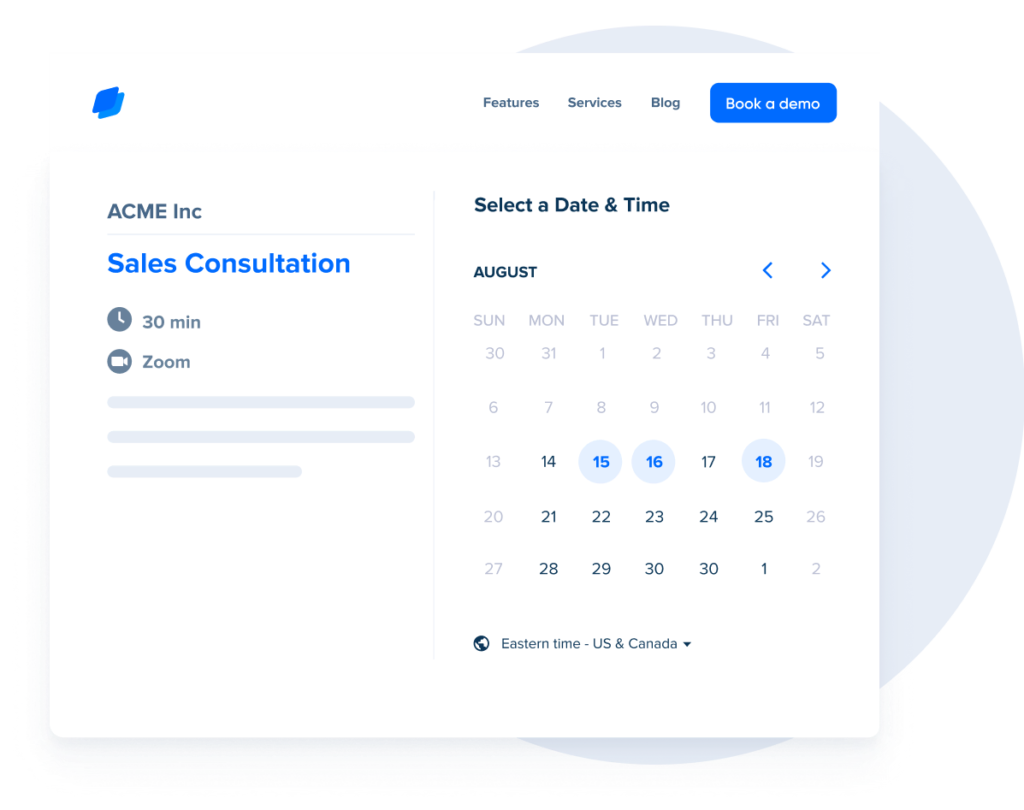
Core Function: An automated scheduling tool that lets others book time with you based on your availability.
Best For: Any freelancer tired of the endless “What time works for you?” email chain.
The Brutal Truth: Calendly isn’t just a convenience; it’s a boundary-setting tool. It stops the back-and-forth and positions you as a professional whose time is valuable. You control your availability, you can set buffers between meetings, and you can link it to intake forms. The free version is perfectly adequate for most.
Putting It All Together: Your Minimum Viable Stack
The tools don’t make the freelancer. Your skill, your reputation, and your process do. The tools are just there to support it. Trello, Wave, and Google Drive might be a new freelance designer’s stack. An established consultant might use Notion, QuickBooks, PandaDoc, and Calendly.
Start small. Solve the problem you have today. Don’t pay for a tool to solve a problem you might have in two years.
And remember, no software in the world can fix a broken strategy. If your proposals are being ignored and you’re struggling to land clients, the problem isn’t your proposal software—it’s likely the brand you’re presenting.
Before investing in more tools, ensure your core business is sound. If you’re unsure, it might be time to get a professional opinion on your foundation, because a solid business is the ultimate productivity tool.
You can always request a quote if that’s a conversation you need to have.
Best Tools for Freelancers (FAQs)
Do I really need a project management tool as a new freelancer?
Yes, but it can be a simple to-do list app or even a notebook. The goal is to build the habit of externalising tasks. Trello’s free plan is an excellent, no-cost first step into a formal system.
Is free invoicing software like Wave professional enough?
Absolutely. A clean, clear invoice sent on time is what matters. Wave allows for your logo and customised messages, making it as skilled as a paid alternative from the client’s perspective.
When should I upgrade from free to paid tools?
Upgrade when a paid feature will save you significant time or make you more money. For example, upgrading PandaDoc to use templates might save you two hours a week, making the cost an easy decision. Don’t upgrade just for “nice-to-have” features.
What’s the biggest mistake freelancers make with tools?
Signing up for too many at once. They get excited, start a dozen free trials, and end up with a fragmented, expensive, confusing system they don’t know how to use. Pick one area to improve—like invoicing—master a tool for it, then move to the next.
Is an “all-in-one” platform like Dubsado or HoneyBook a good idea?
They can be, but often they are not. They promise simplicity but can lock you into a single, mediocre way of doing things. The “Minimum Viable Stack” approach of picking the best-in-class tool for each job often provides more power and flexibility.
How much should I budget for tools each month?
As little as possible to start. You can run a very successful freelance business for under £50/month using the tools on this list. Your most significant expenses should be things that directly grow your business, not administrative software.
Is Notion too complicated for a beginner?
It can be if you build a system from scratch. The key is to start with a pre-made template. Find a freelance project management template you like, import it, and only begin customising it once you understand how it works.
Why isn’t email on this list?
Email is a given, like internet access. A professional email address (you@yourdomain.com) via Google Workspace or Microsoft 365 is a fundamental requirement, not an optional tool.
Can I just use Google Sheets for accounting?
You can, but you shouldn’t. Purpose-built tools like Wave or QuickBooks are designed to prevent errors, categorise expenses correctly for tax purposes, and generate essential financial reports. A spreadsheet is fragile and inefficient by comparison.
What is the most critical tool for a freelancer?
A time tracker. Toggl Track or a similar tool is the only way to truly understand the value of your time, your projects’ profitability, and your workflow’s efficiency. It’s the source of truth for your entire business.
Let’s Get Real About Your Business
Your toolkit is only one part of the equation. Having the sharpest chisels doesn’t make you a master sculptor. The most powerful tools are useless if used to prop up a weak or confusing brand.
If you find that even with the right tools, you’re not winning the projects you want, the problem might be deeper. It might be time to stop tweaking your process and start strengthening your brand.
Explore our blog for no-nonsense advice on building a brand that commands respect, or look at the foundational branding services we offer at Inkbot Design.


